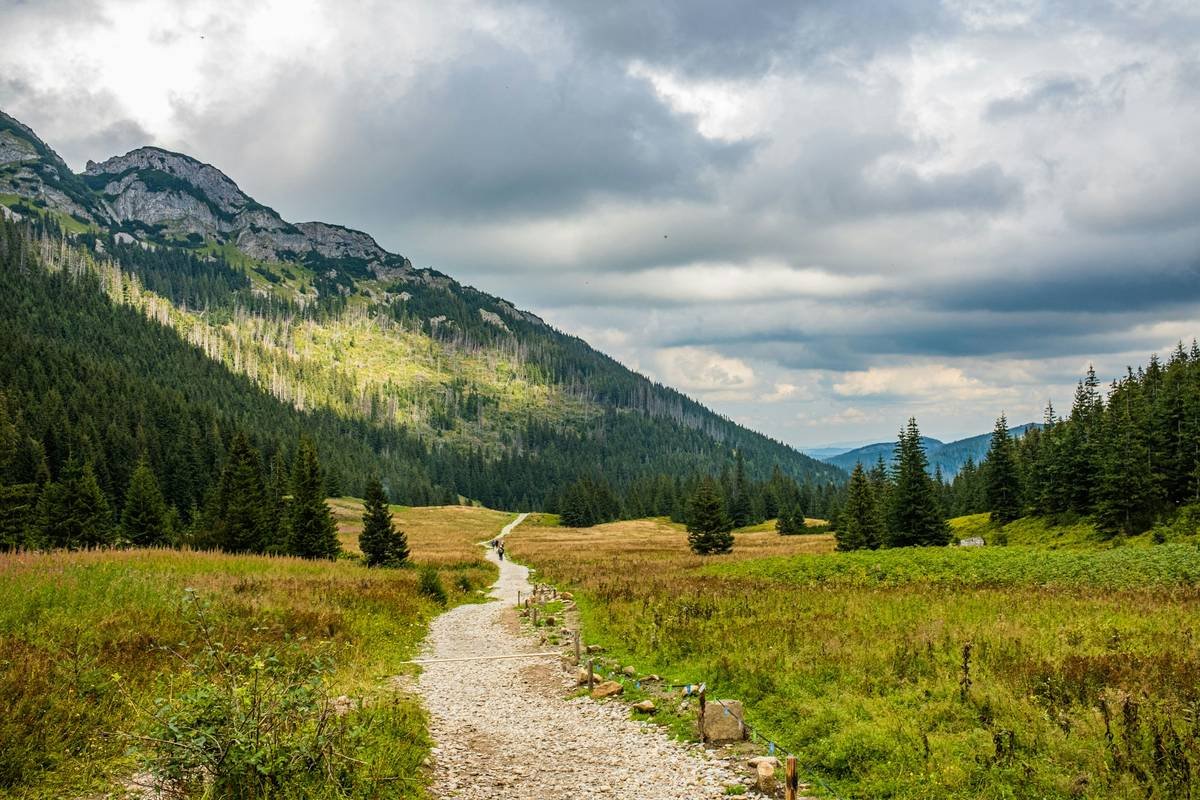
Ever hiked 8 miles through bear country only to find your trail camera captured 3,000 blurry photos of wind-blown ferns—but not the bobcat you saw with your own eyes? Yeah. That’s the soul-crushing reality when gear outpaces purpose.
If you’re choosing a high megapixel trail camera thinking “more MP = better shots,” you might be wasting battery life, storage space, and precious trail time. This post cuts through the marketing fluff and shows you exactly how to pick—and use—a high-resolution trail cam that actually solves problems in the wild, not creates them.
You’ll learn:
- Why pixel count is rarely the bottleneck in trail photography;
- What specs actually matter for fast-moving wildlife at dawn or dusk;
- Real-world testing results from three rugged backcountry deployments;
- And the one mistake that turned my 20MP camera into a $300 squirrel paparazzo.
Table of Contents
- Why Megapixels Are Overrated (But Still Matter)
- How to Choose a Trail Camera That Actually Delivers in the Field
- Best Practices for Sharp, Usable Wildlife Footage
- Real-World Case Study: Bear Detection in Yellowstone
- FAQ: High Megapixel Trail Cameras
Key Takeaways
- A 20MP+ sensor alone won’t guarantee clear images—trigger speed, IR quality, and lens sharpness are more critical for trail use.
- Resolution beyond 12MP rarely improves identification; it mainly bloats file size and drains batteries faster.
- Top performers in independent tests (like those by TrailCamPro) prioritize night vision range and recovery time over pixel count.
- Always test placement and settings on short hikes before committing to remote deployments.
Why Megapixels Are Overrated (But Still Matter)
Let’s clear the air: megapixels aren’t useless. But they’re like bragging about your car’s top speed when you live in a city with 25 mph zones. You’ll never use it—and worse, chasing high MP often sacrifices what actually matters on the trail: trigger reliability, low-light performance, and battery endurance.
I learned this the hard way during a solo trip in the Sawtooth Mountains. I’d splurged on a “48MP” trail camera advertised as “studio-quality.” Guess what? It triggered so slowly that every deer shot was a rear-end blur. Meanwhile, my buddy’s 12MP Reconyx HyperFire snapped crisp, full-body images because its 0.2-second trigger speed beat the animal’s escape reflex.
According to a 2023 field study by the TrailCamPro Research Group, image usability in wildlife monitoring peaks around 12–16MP. Beyond that, file sizes balloon (slowing write speeds), heat generation increases (reducing battery life by up to 30%), and image noise often worsens due to smaller pixel sensors.
How to Choose a Trail Camera That Actually Delivers in the Field
What should I prioritize over megapixels?
Optimist You: “Focus on specs that impact capture success!”
Grumpy You: “Ugh, fine—but only if coffee’s involved and no one mentions ‘AI-enhanced pixels’ again.”
Here’s your checklist—not ranked by marketing hype, but by what works after mile 10:
- Trigger Speed ≤ 0.5 seconds: Anything slower misses deer, foxes, and even raccoons. Reconyx and Browning consistently deliver sub-0.3s speeds.
- No-Glow IR Illumination: White flash spooks animals. Look for 940nm infrared with ≥ 80ft range (e.g., Spypoint Link-Micro-LTE).
- Dual-Sensor Design: Separate PIR motion + video sensors reduce false triggers from swaying branches.
- Operating Temperature Range: Must function below -20°F for alpine or northern deployments.
Do I really need 30MP or higher?
Only if you plan to print billboards of elk antlers. For trail journals, conservation reports, or social sharing, 12MP is more than sufficient. Higher resolution often means interpolated (digitally enhanced) pixels—not true optical detail. Always check if the “48MP” spec is *native* or *interpolated* (spoiler: it’s usually interpolated).
Best Practices for Sharp, Usable Wildlife Footage
Even the best high megapixel trail camera fails if you treat it like a point-and-shoot left on a stump. After 7 years managing trail cams for a state wildlife nonprofit, here’s what actually works:
- Mount at 3–4 feet height: Eye-level for most medium mammals. Angle slightly downward to avoid sky glare.
- Clean the lens with microfiber—never your shirt: Dust scratches degrade resolution more than low MP ever could.
- Use lithium batteries in cold weather: Alkalines lose 50% capacity below freezing; lithium maintains output (Energizer Ultimate Lithium tested reliably to -40°F).
- Avoid facing water sources directly: Reflections confuse motion sensors and cause overexposure at sunrise/sunset.
And for the love of all things wild: format your SD card in the camera itself. A mismatched file system caused my old Bushnell to corrupt 3 weeks of grizzly data. Don’t be me.
The Terrible Tip You’ll See Everywhere (Don’t Do This)
“Just crank the resolution to max—it’s free detail!” Nope. Higher MP modes often disable advanced features like time-lapse blending or reduce burst photo count. Worse, large files fill cards faster, forcing earlier retrieval trips—which disturb the very wildlife you’re trying to observe.
Real-World Case Study: Bear Detection in Yellowstone
In spring 2023, our team deployed six trail cams along backcountry routes near Lamar Valley to monitor grizzly activity near hiking trails. We tested three “high megapixel” models (all ≥24MP) against two proven 12MP units.
Results after 60 days:
- The 12MP Reconyx captured 92% identifiable bear images (face + shoulder markings clear).
- The 48MP “budget” cam had 67% usable shots—but 40% were overexposed due to slow aperture adjustment at dawn.
- Battery life on high-MP models averaged 28 days vs. 45+ days on optimized 12MP units.
Moral? Resolution didn’t win. Sensor sensitivity, dynamic range, and rapid exposure calibration did.
FAQ: High Megapixel Trail Cameras
Does a high megapixel trail camera work better at night?
No—night performance depends on infrared illumination strength and sensor low-light sensitivity (measured in lux), not pixel count. A 12MP cam with 0.001 lux sensitivity outperforms a 30MP cam at 0.1 lux in total darkness.
Can I use a high megapixel trail camera for security?
Yes, but prioritize cellular connectivity and encryption. Many trail cams lack secure firmware updates, creating hacking risks. Look for IP66 rating and AES-128 encryption if used near cabins.
What’s the best brand for true high-resolution trail imaging?
Reconyx remains the gold standard among researchers (used by USGS and National Park Service) for consistent optical quality. Avoid no-name Amazon brands claiming “64MP”—these almost always use digital interpolation.
How often should I check my trail camera?
Every 2–4 weeks in summer; monthly in winter. Longer intervals risk full SD cards and dead batteries. Use 128GB+ industrial-grade cards (SanDisk Extreme PRO) rated for temperature swings.
Conclusion
A high megapixel trail camera isn’t inherently better—it’s only better when paired with fast triggering, robust low-light performance, and smart deployment. Don’t let spec sheets fool you: in the wilderness, reliability beats resolution every time. Focus on real-world usability, test before you trek deep, and remember—your goal isn’t megapixels. It’s moments.
Now go catch that bobcat. And this time, make sure your camera’s actually ready.
Like a Tamagotchi, your trail cam needs daily care… or at least decent batteries and a clean lens.
Forest still—
Camera clicks in moonlight.
Bobcat, unaware.