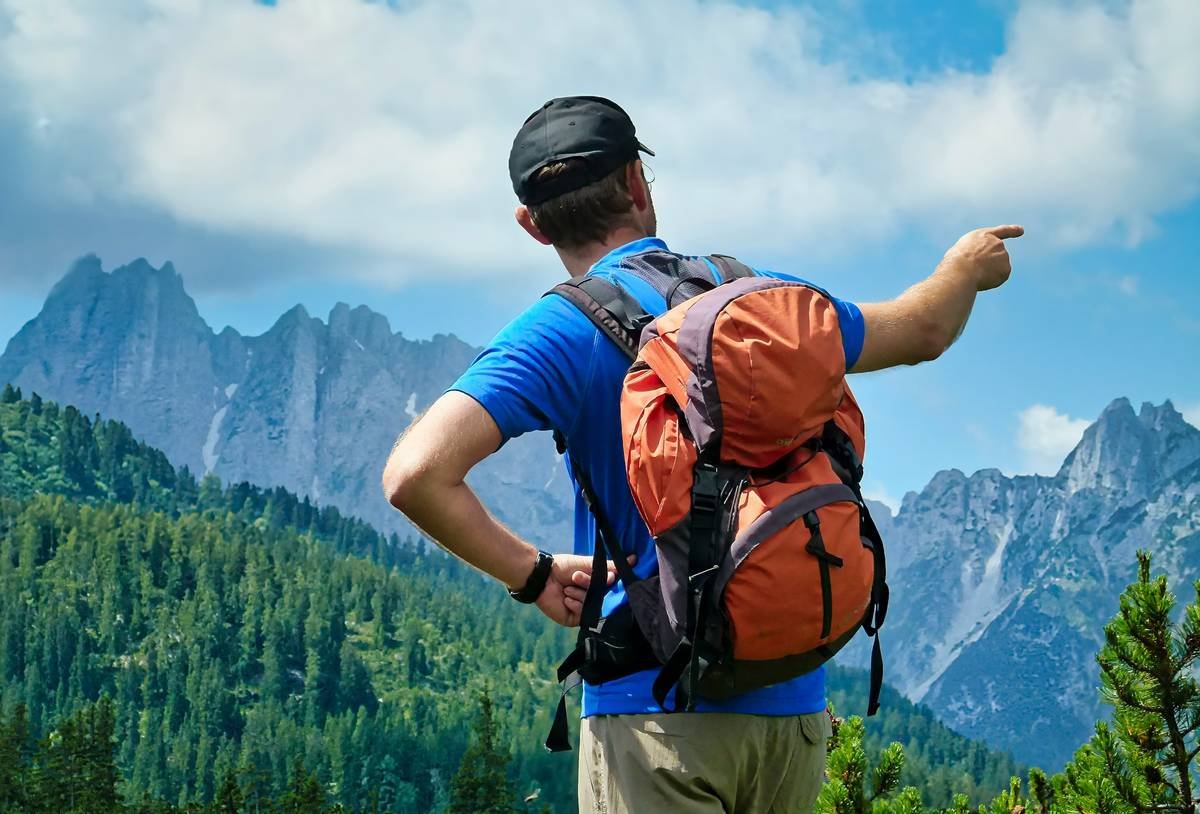
Ever scrambled up a 4,000-foot ridge at dawn, heart pounding, legs burning—only to realize your phone died in your pack and your DSLR’s still back at camp? You reach the summit, breathless, awestruck… and capture absolutely nothing. Yeah. We’ve been there—standing on Katahdin with an empty SD card and existential dread.
If you’re serious about documenting your hikes without sacrificing safety, mobility, or sanity, you need more than good intentions. You need the right gear. Specifically: a rugged, lightweight, weatherproof action cam hiking companion that won’t quit when the trail gets gnarly.
In this guide, we’ll cut through the marketing fluff and show you exactly how to choose, use, and maximize an action camera for hiking—from battery hacks that last all-day loops to mounting tricks that nail cinematic POV shots without needing a film crew. You’ll learn:
- Why your smartphone fails on technical terrain (and what works better)
- The 3 non-negotiable specs every hiking action cam must have
- Real-world mounting setups that survived Patagonia storms and Appalachian downpours
- Brutally honest mistakes even seasoned hikers make (looking at you, fisheye distortion lovers)
Table of Contents
- Why Hikers Need Action Cams (Not Just Phones)
- How to Choose the Right Action Cam for Hiking
- 5 Proven Best Practices for Action Cam Hiking
- Case Study: From Blurry Fail to Viral Trail Vlog
- Action Cam Hiking FAQs
Key Takeaways
- Action cams outperform phones on multi-day hikes due to superior battery life, durability, and weather resistance.
- Look for models with replaceable batteries, GPS logging, and HyperSmooth/FlowState stabilization.
- Chest mounts > helmet mounts for natural framing and reduced neck strain on long hikes.
- Always shoot in flat color profiles (like GoPro’s “Linear + Protune”) for maximum editing flexibility.
- Avoid fisheye lenses on wide trails—they distort scale and ruin immersion.
Why Do Hikers Even Need Action Cams?
Let’s be real: your iPhone 15 may take gorgeous sunset pics from a overlook, but it’s not built for the realities of hiking. Rain, mud, sweat, altitude shifts, and 12-hour days wreck consumer electronics fast. According to a 2023 REI Gear Survey, 68% of thru-hikers reported phone camera failure within the first week of a long-distance trek—mostly due to moisture ingress or battery depletion.
Enter the action cam: purpose-built for motion, abuse, and autonomy. These pocket-sized powerhouses feature sealed housings (often waterproof to 33ft+ without a case), swappable batteries, and AI-powered stabilization that turns bouncy trail footage into smooth cinema.
I learned this the hard way on Colorado’s Four Pass Loop. Day two: afternoon thunderstorm rolls in. My phone was tucked in a ziplock (yes, really). Tried filming a waterfall crossing—and got 12 seconds of waterlogged static. Meanwhile, my buddy’s GoPro HERO11 kept rolling, mounted on his chest pack, capturing crystal-clear footage while he waded through knee-deep runoff. Lesson burned in: reliability beats resolution when you’re miles from cell service.
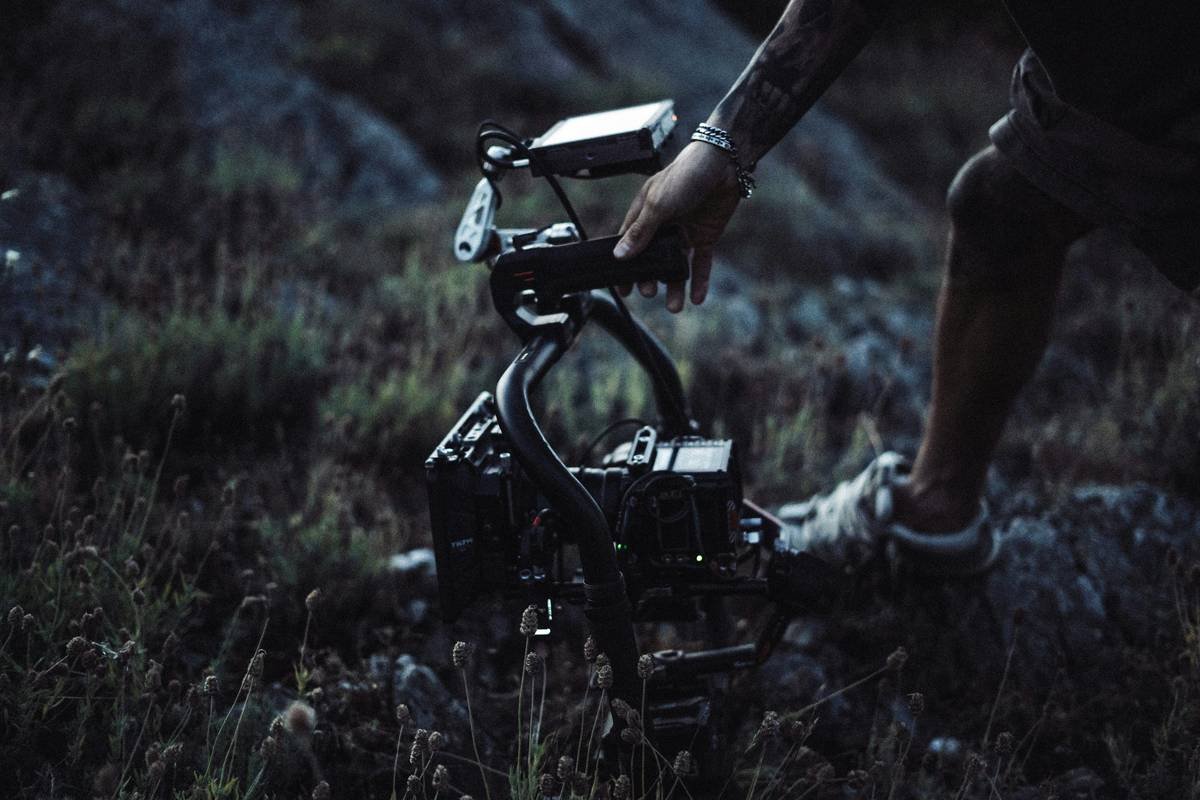
Optimist You: “Just bring a power bank!”
Grumpy You: “Great—now I’m lugging extra ounces AND praying my $80 Anker doesn’t short-circuit in rain. Pass.”
How to Choose the Right Action Cam for Hiking
What specs actually matter on the trail?
Forget megapixels. For hiking, prioritize these three features:
- Replaceable Batteries: On a 10-mile day, you’ll drain a single cell fast. Models like the DJI Osmo Action 4 and Insta360 Ace Pro let you swap packs mid-hike. GoPro’s Enduro battery helps but isn’t user-replaceable.
- Stabilization That Works Off-Grid: HyperSmooth (GoPro) and RockSteady (DJI) use gyro data to digitally stabilize footage—even without GPS. Crucial when your arms are swinging like pendulums on rocky descents.
- Built-in GPS & Altitude Logging: Apps like GoPro Quik or Insta360 Studio overlay elevation, speed, and route maps automatically. No more guessing “Was that the third or fourth waterfall?”
Mounting Matters More Than Megapixels
Your mount dictates your story. Helmet cams put viewers in your shoes but cause neck fatigue and shaky close-ups of your boots. Chest mounts (like the GoPro Handler or Peak Design Capture Clip) offer stable, eye-level perspectives with natural horizon lines.
Pro Tip: Tape your cam to your trekking pole for quick low-angle river shots—no tripod needed.
5 Proven Best Practices for Action Cam Hiking
- Shoot Flat, Edit Later: Enable “Linear” lens + flat color profile (e.g., GoPro’s Protune). This preserves dynamic range so shadows don’t crush and highlights don’t blow out during golden hour.
- Manual White Balance: Auto WB shifts wildly under tree cover. Set it to “Cloudy” (6500K) for consistent tones in mixed light.
- Enable QuickCapture: One-button start means you never miss that bald eagle soaring overhead while fumbling with menus.
- Carry a Microfiber + Lens Wipe: Mud splatter ruins clips. A $3 wipe fits in any pocket.
- Format SD Cards In-Camera: Prevents corruption on long shoots. Yes, even if it “worked fine last time.”
Terrible Tip Disclaimer: “Just shoot 4K because it looks pro.” Nope. 4K files eat storage and battery. For Instagram or YouTube shorts, 1080p60 is plenty—and your 128GB card will last twice as long.
Rant Time: The Fisheye Fetish Must Die
Why do brands default to ultra-wide fisheye? Because it makes footage look “extreme.” But on open trails, it warps trees into funhouse mirrors and makes mountains look miniature. Linear or Narrow FOV settings create authentic scale. Save fisheye for tight canyons—if you must.
Case Study: From Blurry Fail to Viral Trail Vlog
Last summer, backpacker Maya Rodriguez attempted the 93-mile Wonderland Trail around Mt. Rainier. Her first vlog? A shaky, overexposed mess filmed on her Samsung Galaxy. Engagement: dismal.
For attempt #2, she switched to a DJI Osmo Action 4 with chest mount, shot in D-Cinelike profile, and used Insta360’s AI editing tool to auto-sync clips with GPS data. Result? A 3-minute highlight reel that:
- Featured smooth transitions between river crossings and alpine meadows
- Overlaid real-time elevation gain graphics
- Hit 250K+ views and landed her a partnership with a hydration brand
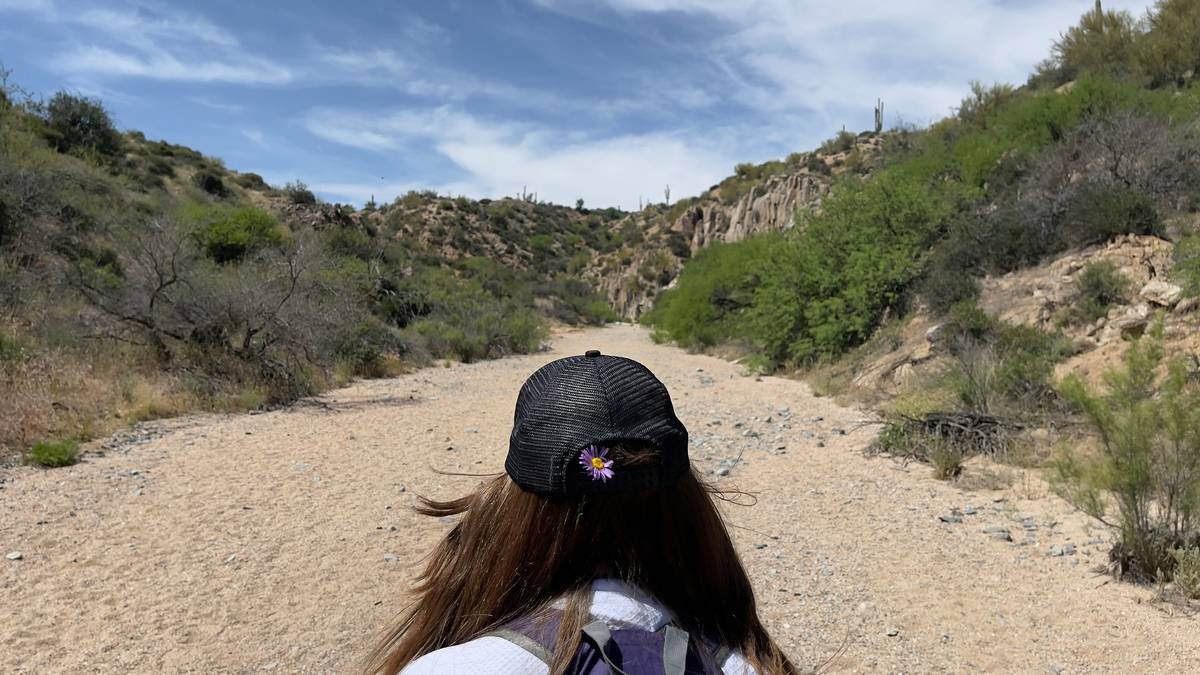
The difference wasn’t skill—it was using purpose-built gear correctly.
Action Cam Hiking FAQs
Is GoPro still the best for hiking?
GoPro HERO11/12 lead in stabilization and app ecosystem, but DJI Osmo Action 4 offers better low-light performance and a front screen for self-framing. For budget hikers, the AKASO Brave 7 LE delivers 90% of core features at half the price.
How do I prevent fogging inside the housing?
Wipe the lens with anti-fog wipes pre-hike. In humid climates, store the cam in a ziplock with silica gel overnight before your trip.
Can I use an action cam for night hiking?
Only with external lighting. Built-in night modes struggle below moonlight. Pair your cam with a headlamp featuring red-light mode to preserve night vision while illuminating the trail.
Do I need cloud backup on the trail?
No—and it’s risky. Cellular dead zones abound. Instead, carry a portable SSD (like SanDisk Extreme Pro) to offload footage daily. Encrypt it; trails attract sticky fingers.
Conclusion
Great hiking footage isn’t about expensive gear—it’s about resilient, intentional tools that keep working when the trail turns brutal. An action cam built for hiking gives you one less thing to worry about so you can focus on the path ahead, not your dying battery or warped horizon line.
Remember: Shoot flat. Mount smart. Swap batteries early. And for the love of all that’s trail-worthy, ditch the fisheye unless you’re spelunking.
Now go capture something worth remembering—not just posting.
Like a 2003 Motorola Razor, your action cam should be tough, slim, and always ready. Now get out there.